Images not transferring?
Try the troubleshooter from your phone, scan this QR code:
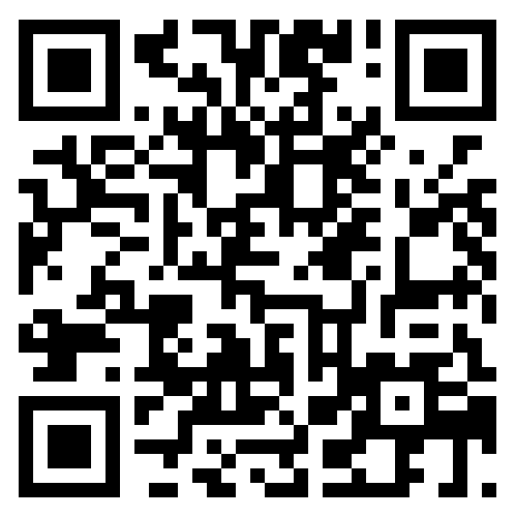
Use these resources for common image transfer problems, training videos, and workstation support items.
Try the troubleshooter from your phone, scan this QR code:
Open training playlists in YouTube for AmplifyPACS, DICOM.store, and LaraRad workflows.
Use these links when a workstation needs help launching, connecting, or preparing for remote support.
Get help with image uploads, viewing, sharing, backup, workstation setup, and day-to-day AmplifyPACS questions.
During normal support hours, text message response time is usually a few minutes.
Email response time averages about 2 hours.
Voicemails are typically returned the following business day.
For the fastest resolution, include your practice or facility name, the workstation or user affected, the imaging software or modality involved, and a screenshot of any error message.
This is the best and fastest way to get an answer about anything or to request techincal support. Start here.
Best for non-urgent or account related questions, longer explanations, account changes, training questions, or requests that need written detail.
For setting up a new accounts, advanced troubleshooting, training, setting up new devices, and replacing imaging equipment. Pick a time that works best for you, and we’ll help you get started.
If you call directly and reach voicemail, leave your name, practice, return number, and a brief description of the issue.
A few details up front can prevent back-and-forth and help us identify the issue faster.