✓
Practices and Clinics
Support providers that need simple DICOM storage, viewing, sharing, and staff-friendly access.
AmplifyPACS supports medical imaging workflows that need secure DICOM storage, viewing, sharing, backup, routing, and remote technical support.

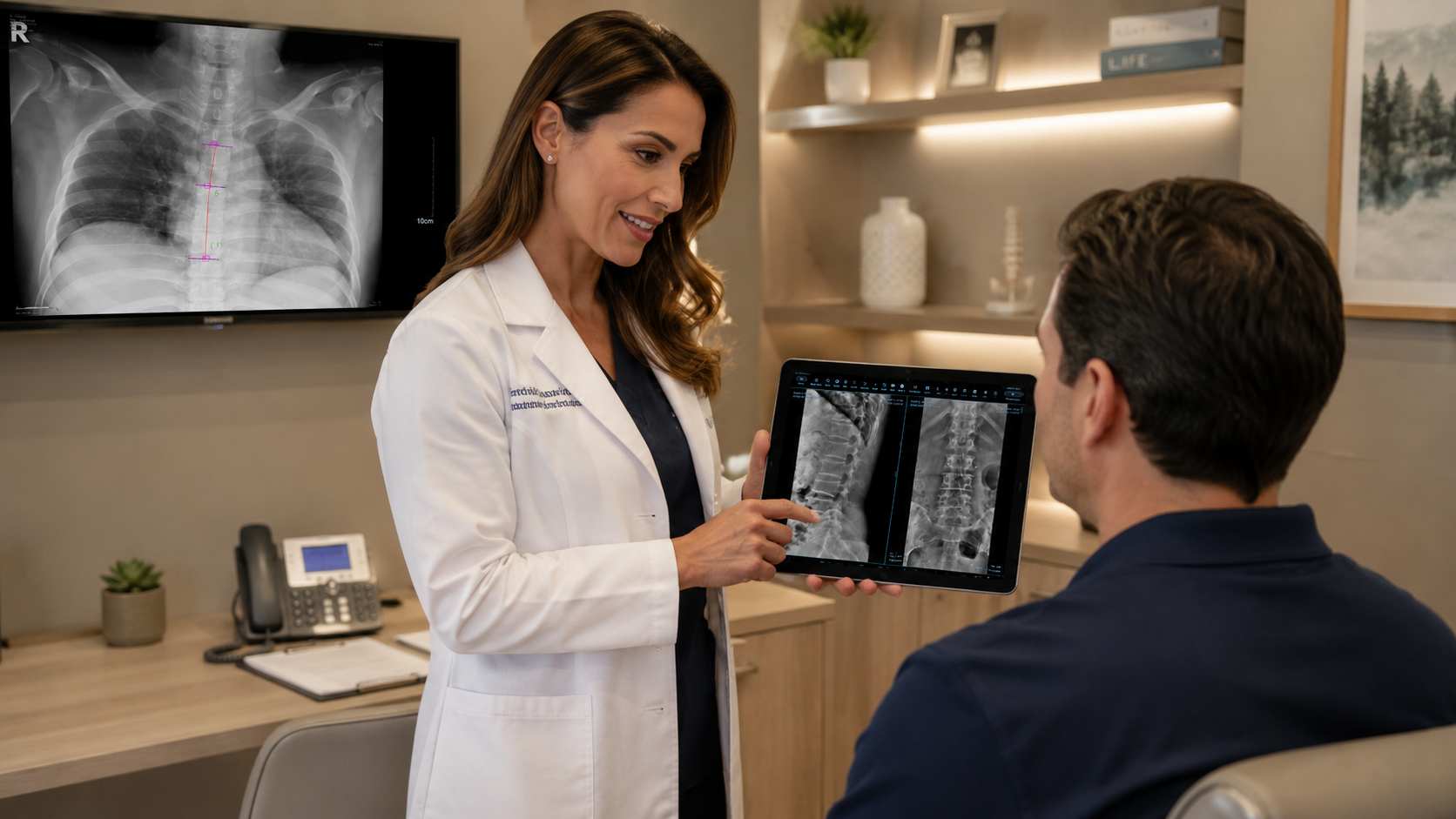
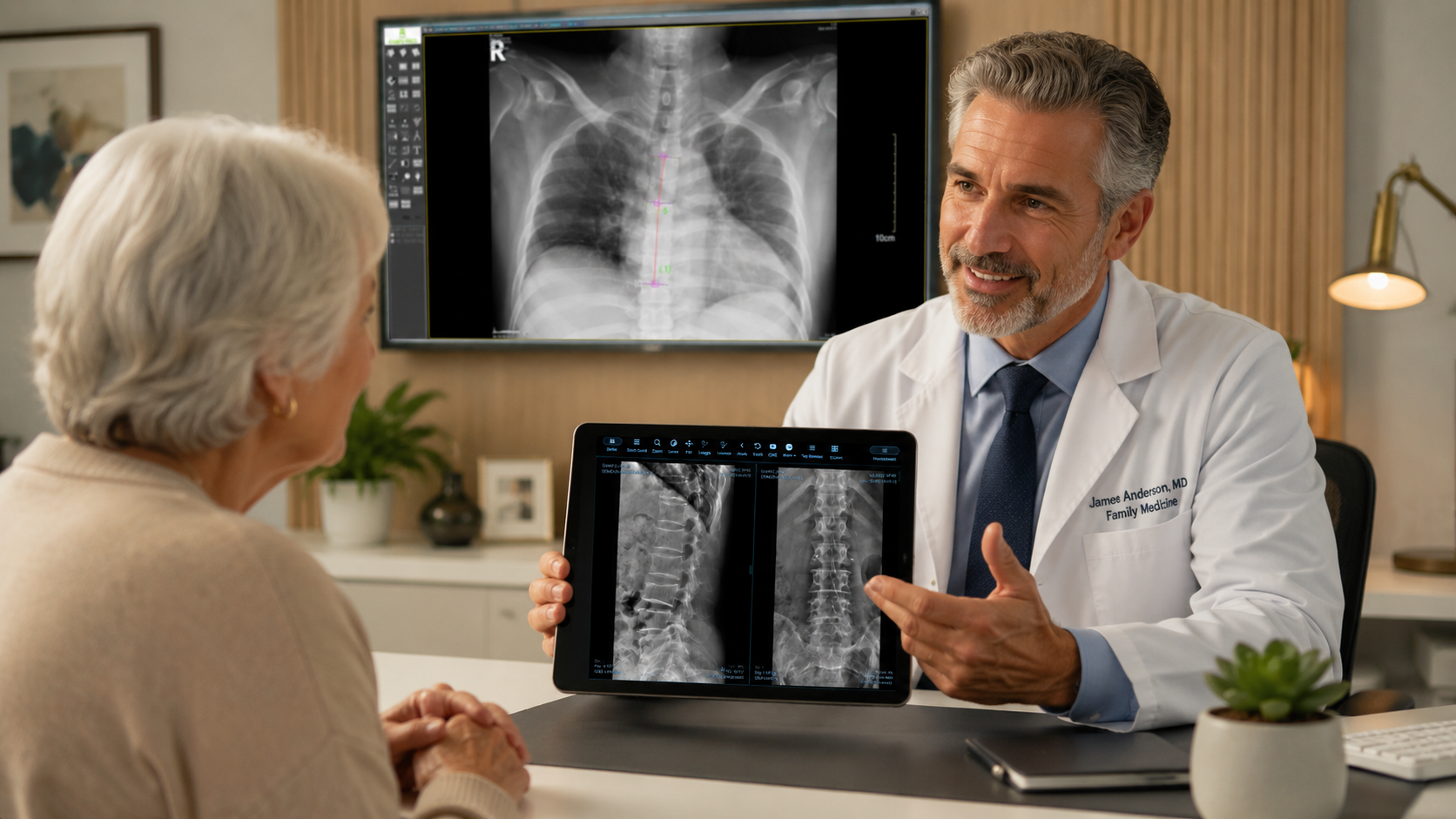
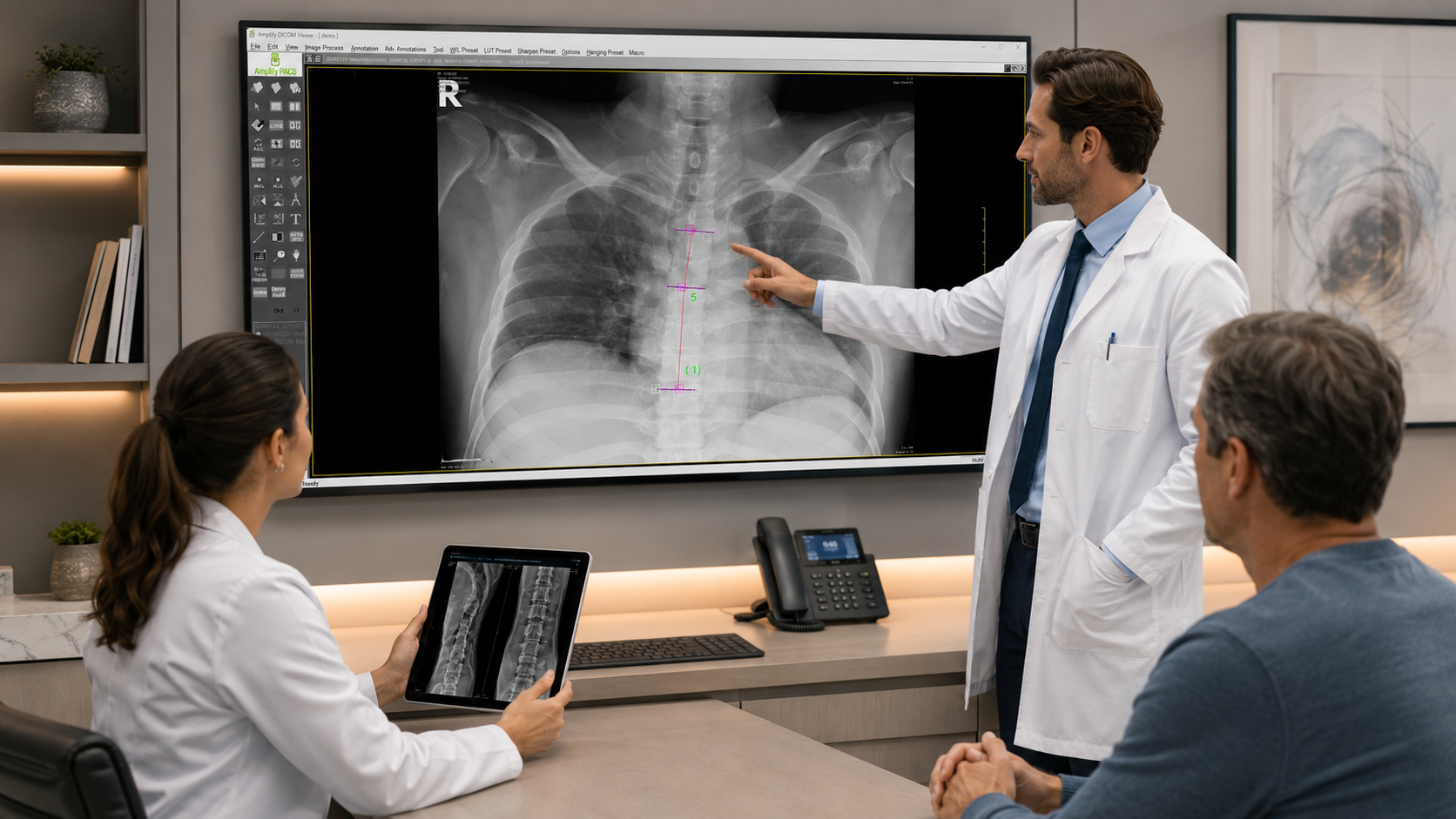
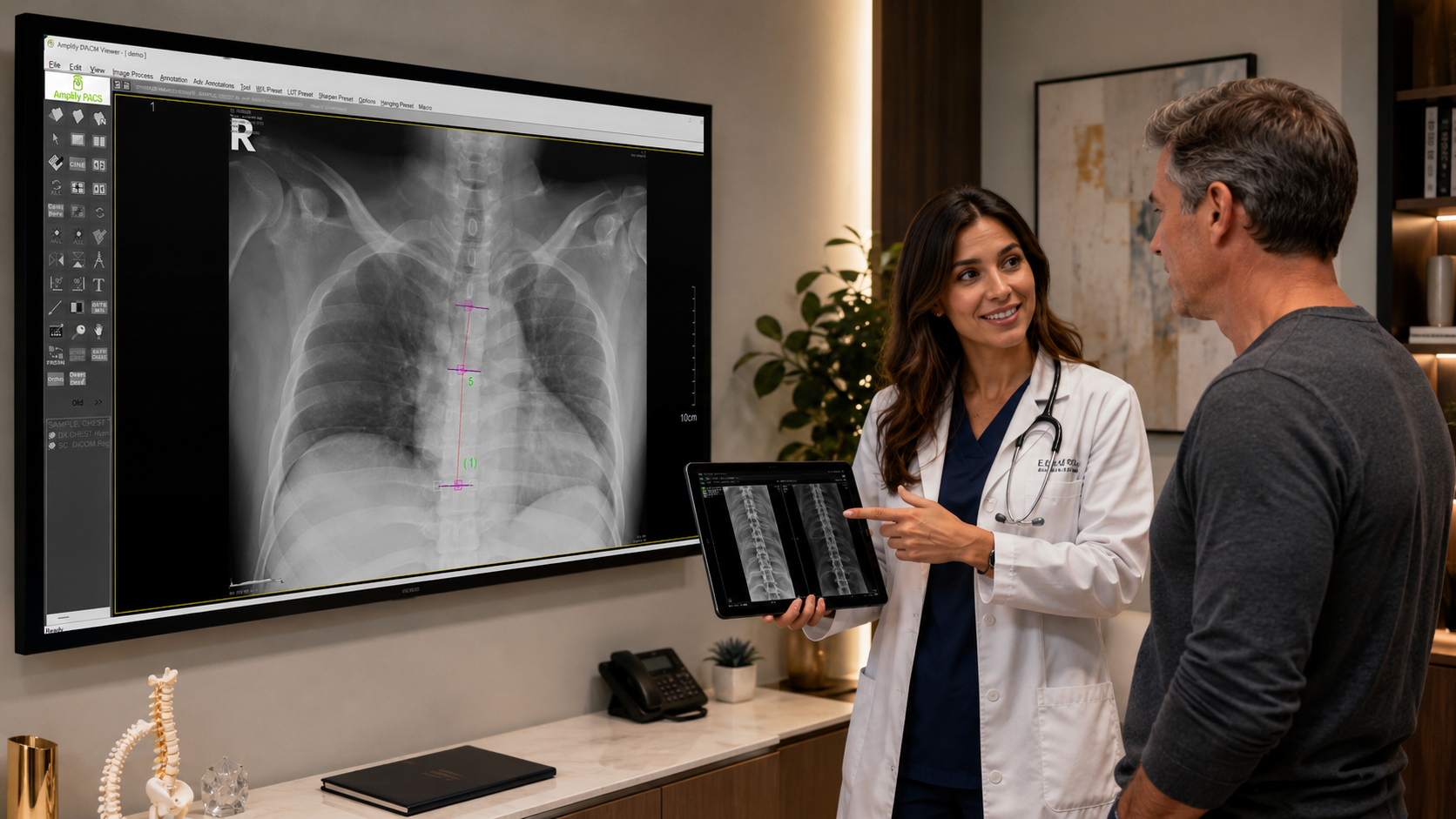
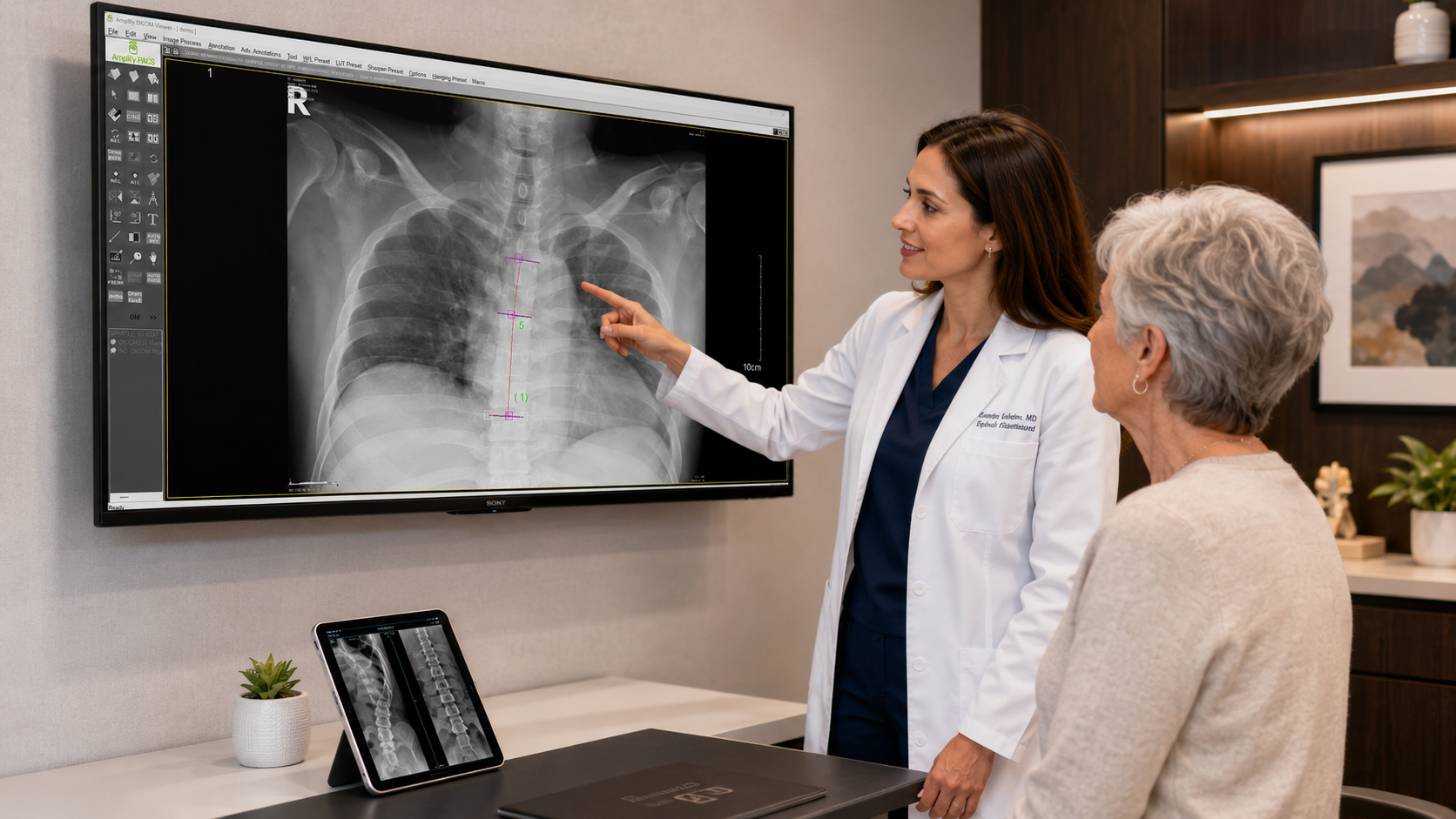
The medical page speaks broadly to human healthcare environments without limiting AmplifyPACS to independent practices only.
Support providers that need simple DICOM storage, viewing, sharing, and staff-friendly access.
Route, view, share, and manage studies for diagnostic imaging workflows and outside review.
Discuss larger deployments, user access, facility workflows, and more structured support requirements.
Larger facilities often need more than a simple viewer. AmplifyPACS can be positioned around users, locations, modalities, support paths, and routing requirements.
The cost of PACS is not only storage. It is staff time, failed transfers, local workstation problems, patient access requests, and outside sharing friction.
Centralize DICOM studies in a cloud PACS workflow instead of relying only on local machines.
Give authorized users a practical way to open and review imaging when needed.
Reduce CD, USB, and manual transfer friction with online image sharing workflows.
Keep remote support visible so staff have a direct path when workflow questions appear.
AmplifyPACS can support online image sharing, routing, reporting workflows, and remote support without forcing users into a complicated enterprise portal.

Share DICOM studies online without burning discs, shipping USB drives, or forcing recipients through a local workstation workflow.
Open DICOM.store
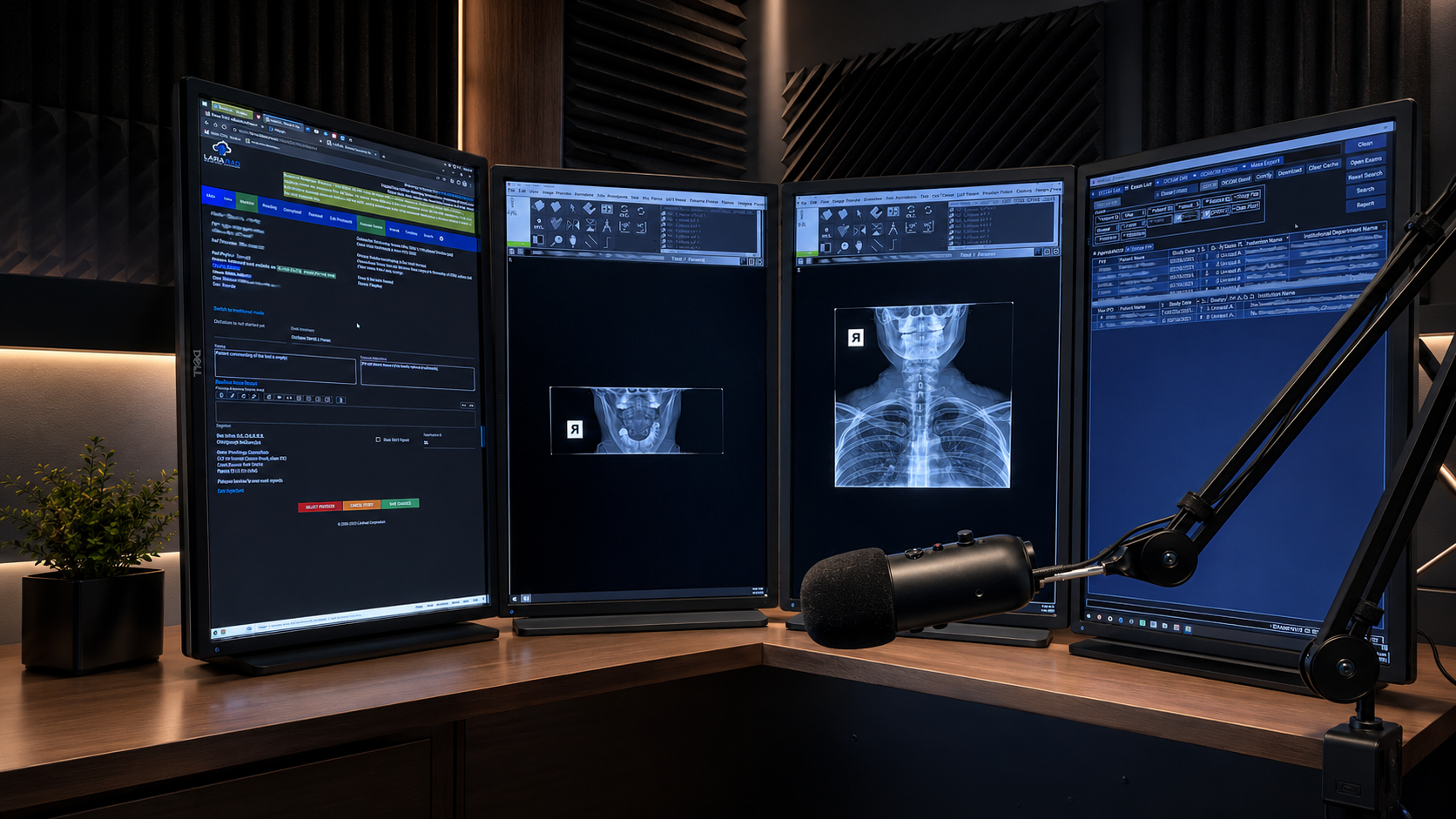
Connect with LaraRad reporting workflows for online radiology reads and streamlined image review.
Open LaraRad.comTell us what modalities, locations, users, viewers, and sharing requirements you need to support. We can help map the simplest deployment path.